One round trip, start to finish.
Here is the whole loop with an everyday example: planning a 20-minute talk for your team.
Ask your agent, in plain words
Say what you're working on and that you'd like to think it through on paper. You don't need to know any page names or commands.
Your agent replies with the plan before it prints anything, so you can change the pages or the pens first.
You
I'm giving a 20-minute talk at our team day next week. Help me plan it on paper.
Your agent
Here's the plan: one sitting, five pages, about 30 minutes. Page 2 asks what they should remember a week later. Your blue pen, red pen and highlighter carry the meanings. Shall I make the PDF?
You
Yes, print it.
Your agent makes the pages. You print them.
Switchback builds a PDF from ready-made page templates, fitted to the job and to the pens on your desk. It prints in black and white, so any printer will do.
The cover sets out what each colour means for this sitting. Page 2 asks one question and leaves the rest of the page to you.
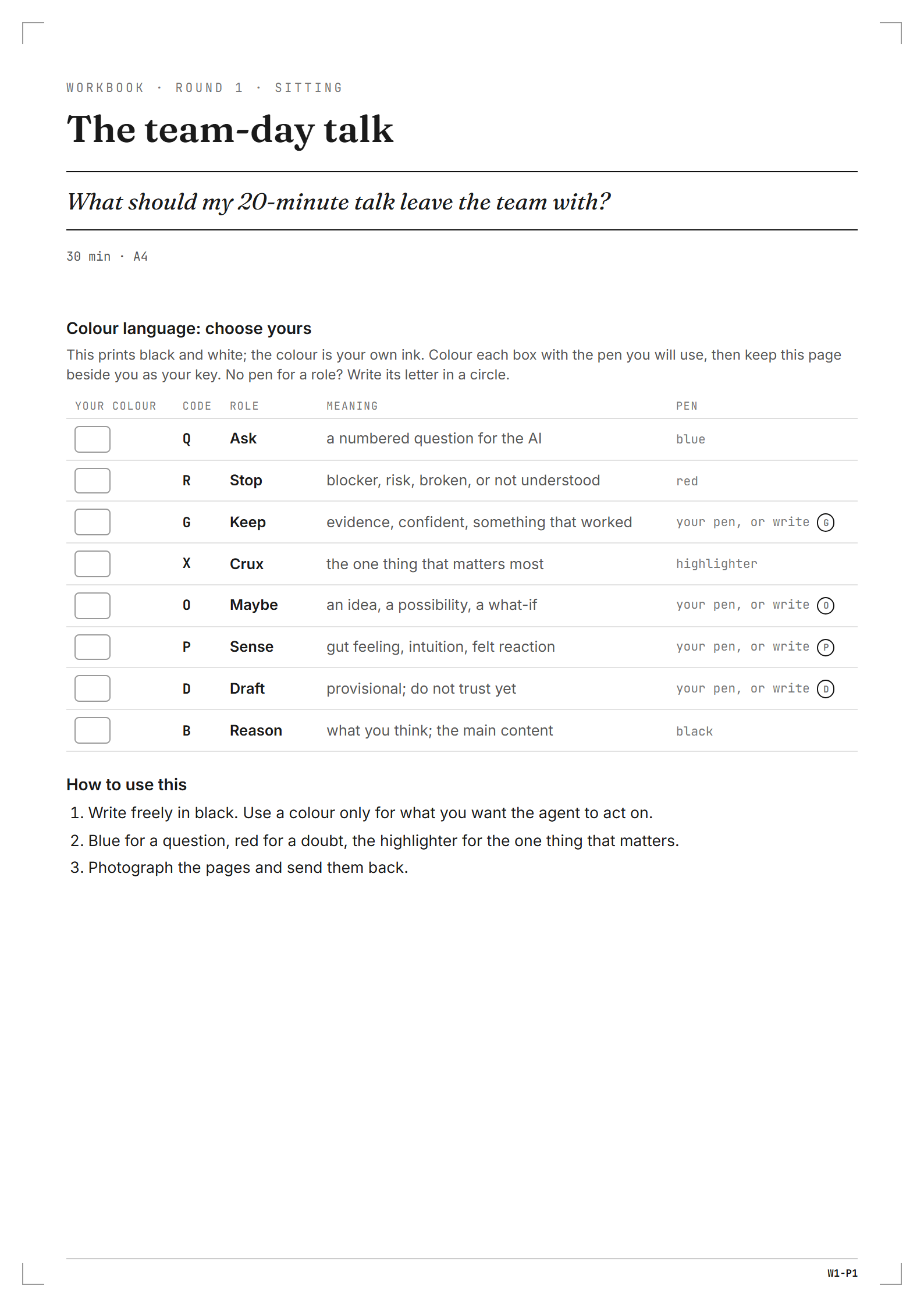
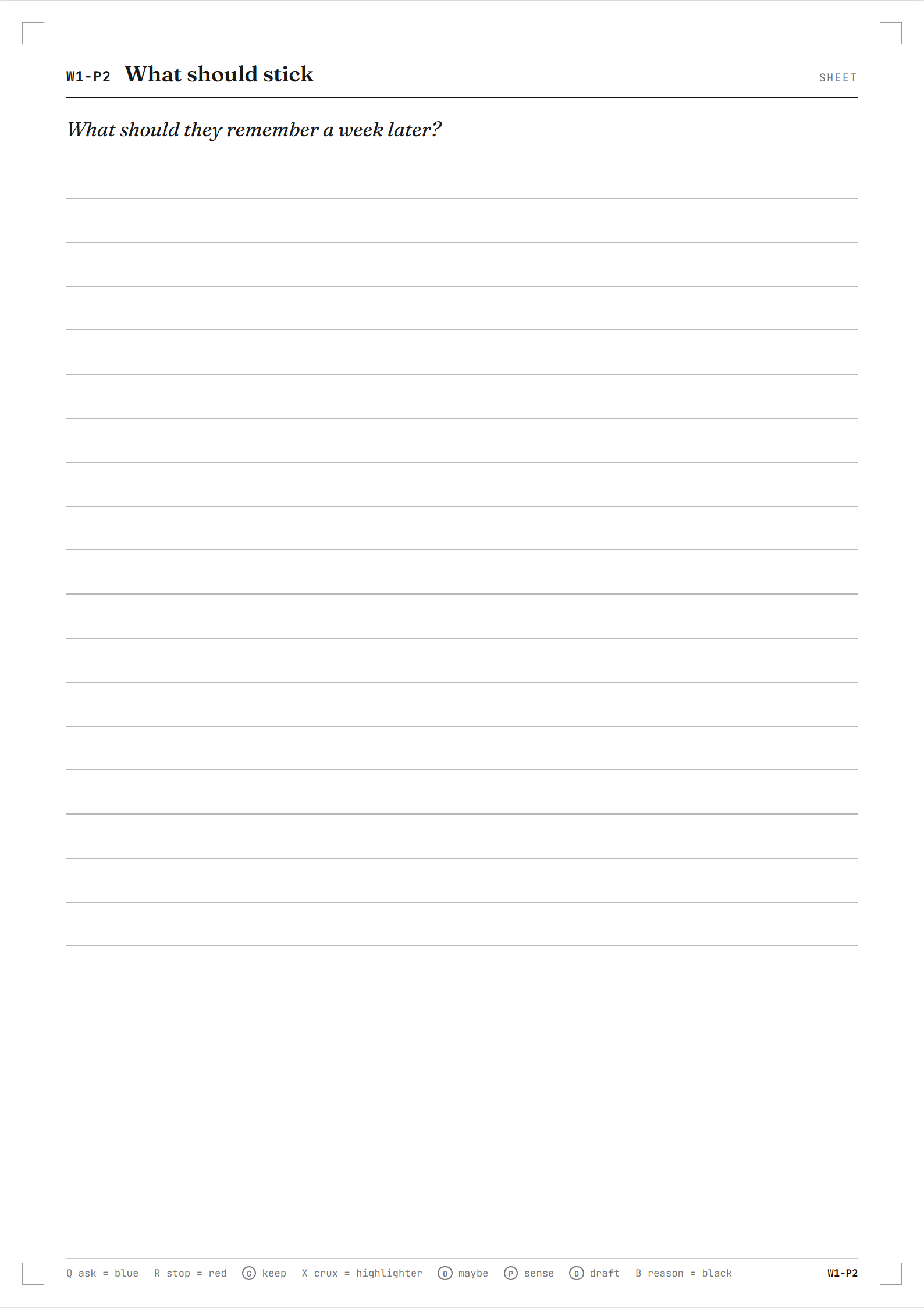
Real output from the Switchback renderer: the cover and page 2 of five, on A4. Work it with a pen, away from the screen
Put your phone in another room. Write freely in black. When you want your agent to do something with a line, mark it in colour:
- Blue is a question for your agent. It's answered first.
- Red is something you're unsure of. It stays open until you settle it.
- Highlighter marks the one thing that matters most. The reply is built around it.
Only have a black pen? Circle a letter instead: Q for a question, R for a doubt, and X for the one thing. See every mark
The March outage, fixed in an hour
because someone asked for help at once
Pairing on the big release
The new dashboard
Q1How much fits in 20 minutes?
The live demo might fail
Ask for help earlier.
Illustrative example: page 2 with sample handwriting. Q1 is the first blue question. Send a photo. Your agent carries on.
Photograph the pages and send them in the same chat. Your agent reads what you wrote, answers your blue question first, keeps the red one open, and builds the reply around what you highlighted.
Then it offers the next page, if one would help.
You
One photo of page W1-P2
Your agent
- Your question first
- You asked how much fits in 20 minutes. About three ideas, each with one story. Open with the line you highlighted, ask for help earlier, and let the March outage carry it.
- Still open
- The live demo might fail, so I won't build the talk around it until you decide.
- Crossed out
- You crossed out the new dashboard, so it stays out.
- Next
- Pick the three stories. I can print one page to sort them.
Read from 1 photo. Tell me if I misread a mark.
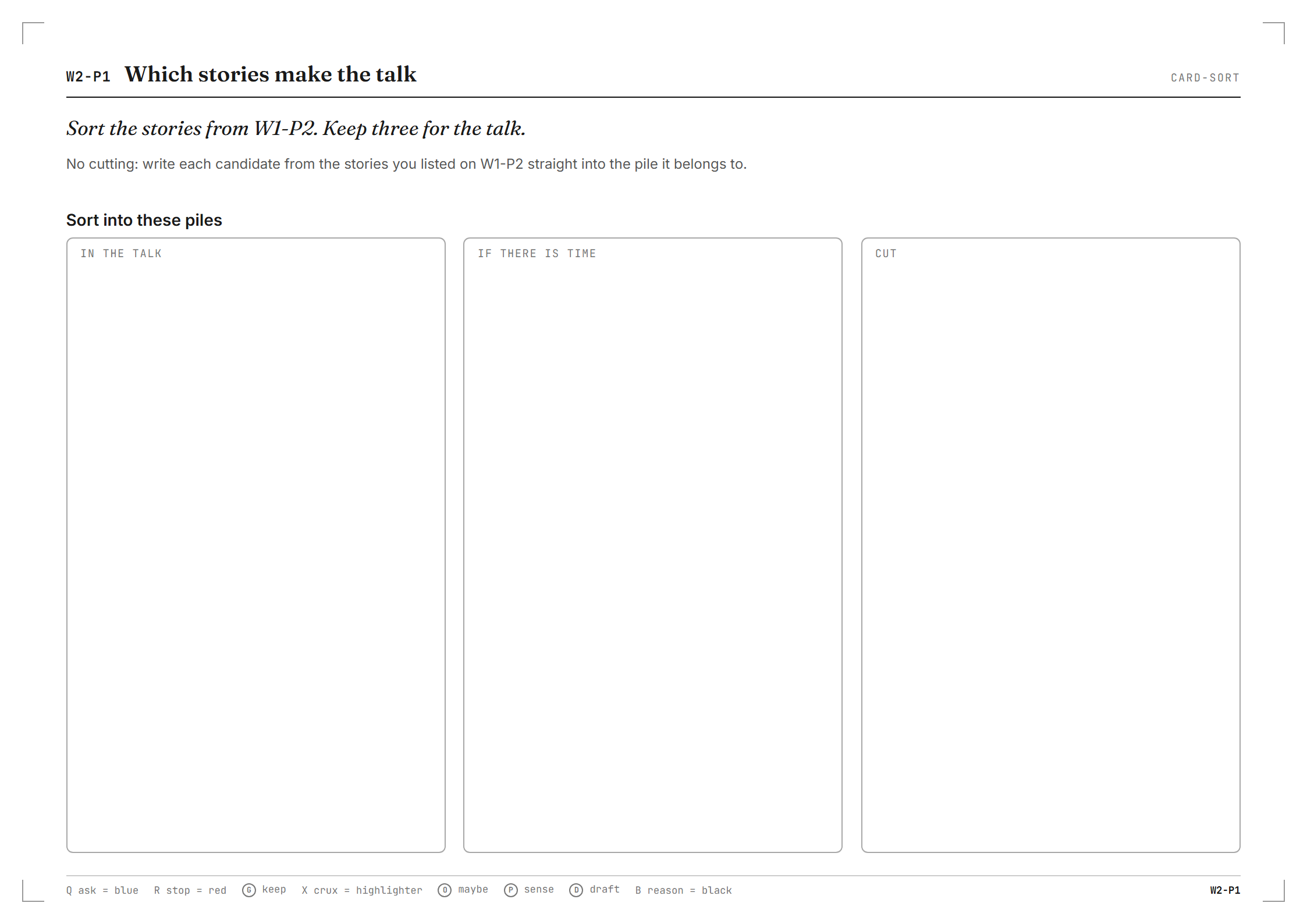
The next page, if you say yes. Real renderer output.
For the thinking you'd rather do yourself.
Working with agents all day can turn your own thinking into a string of quick replies. A printed page slows that down on purpose. It holds one question at a time, and nothing on it asks for your attention.
Your agent picks the pages to fit the job, so one skill covers very different work.
- Make a decision or a plan“Help me decide whether we should rewrite the sync feature.”Sitting. One session, about 30 minutes.
- Learn something over a few weeks“Help me prepare for a distributed systems interview over three spaced rounds.”Series. Three rounds, spaced out, starting from what you remember.
- Come up with something new“Help me name a new project.”Incubation. Ideas first, a real break, then judging them.
- Look back on your week“Make a short weekly check-in page I can print again in the same form.”Ritual. The same single page, printed again each time.
- Mark up a draft“Print this draft about daily team meetings as a numbered proof with wide margins for my notes.”Proof. Your document as numbered pages with wide margins.
Not for quick questions. When you only need an answer, your agent just answers.
Begin with a page.
Install the skill for the agent you use. Then ask for a page about whatever is in front of you.
Requirements: Node.js 20.12 or later, a printer, a pen, a phone camera.
Add the marketplace, then install the skill.
First, add the marketplace
/plugin marketplace add vandermerwed/switchbackThen install it
/plugin install switchback@switchbackAdd the skill to an agent that uses skills.sh.
npx skills add vandermerwed/switchbackOptional. The skill fetches the CLI itself when it needs it.
npm install -g @vandermerwed/switchbackThen ask in plain words
“I can't decide whether to take the new job. Let's think it through on paper.”
You get a PDF in a switchback/ folder, ready to print.
It can also print a draft or spec as numbered pages to mark up in red.